
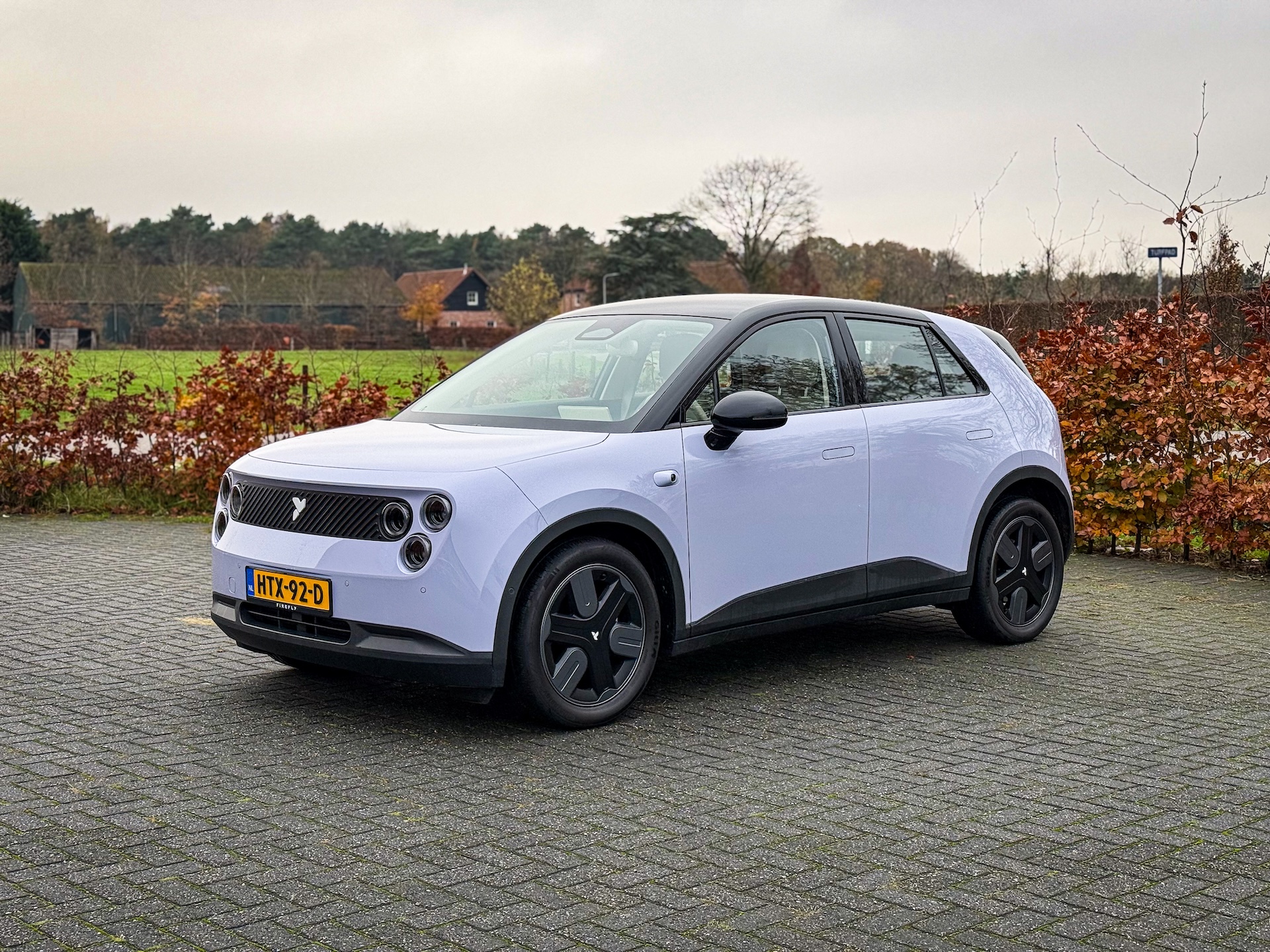
Firefly now has battery preheating as well
Firefly update
The latest update offers improved side mirror experiences, a calendar app, driving assistance improvements and much more, in addition to preheating the battery. We list the novelties of the update.
Aster 1.3.0 (4.0 GB)
Release date: 17-11-2025
Vehicle and driving
Preheating the battery
This feature supports preheating the battery (e.g. at low temperatures) to improve charging speed. Users can enable this function before arriving at a charging station. Note: Enabling this feature consumes a certain amount of battery power.
Car wash mode
When this mode is enabled, various settings in the car are adjusted to the car wash conditions, such as closing the windows and disabling the automatic wipers, to ensure a smooth and safe experience. These settings can be adjusted manually during the process and restored once the mode is exited. The mode is disabled when the speed exceeds 15 mph. Note: Switch to neutral mode (N) when using an automatic car wash.Do not perform FOTA updates during the wash process.
Optimized side mirror experience
The side mirrors automatically fold out when the vehicle speed exceeds 40 km/h (if they were previously folded in). In addition, the folding of the side mirrors is subject to a 40 km/h speed limit: both the on-screen and voice controls for folding are restricted when the speed exceeds 40 km/h. If the user actively clicks to fold the side mirrors before leaving the car, the side mirrors will not automatically fold out the next time the user gets into the car.
NFC card recognition has been optimized to improve the recognition rate. The system can now detect card status when the brake is applied.
Digital cockpit
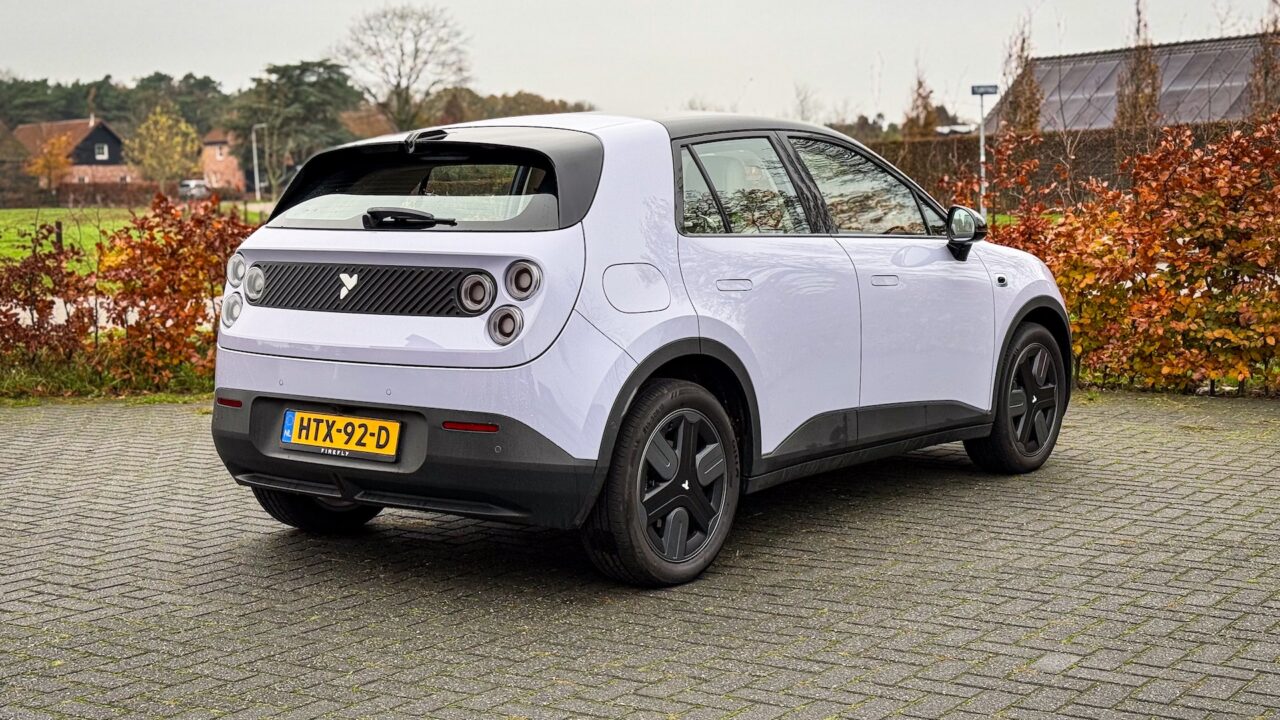
A separate media panel for the front-seat passenger has been added. If the center display is displaying a full-screen app (e.g., navigation), the front-seat passenger has access to a separate media panel (e.g., Spotify) on the right side of the screen, giving both driver and passenger a good experience.
New pet theme
A new pet theme has been added to the atmosphere ring, providing users with a fun experience. It provides dynamic effects by clicks or based on vehicle status (e.g. loading) and supports switching between pet types (cat/dog).
A new section has been added for changing display themes. This allows users to change screen themes and customize mood ring widgets.
Calendar app
It supports calendar reminders to help users keep track of important dates or plans.
Lumo & mood lighting
When the driver or front passenger activates lumo, lumo responds along with the ambient lighting effects.
The quick control panel now includes more features for easier operation, including power seat adjustment, seat massage* (if equipped), Pet Mode, power hold mode, nap mode, car wash mode, screen wash mode, folding side mirrors and battery heater.
The energy consumption data have been optimized to distinguish between dynamic driving situations and parking situations.
Scenario intelligence now supports setting trigger conditions. Users can set trigger timing and temperature.
Instrument panel display mode settings and mood lighting display order are now linked to the user’s account, providing a more personalized experience.
Driving Assistance
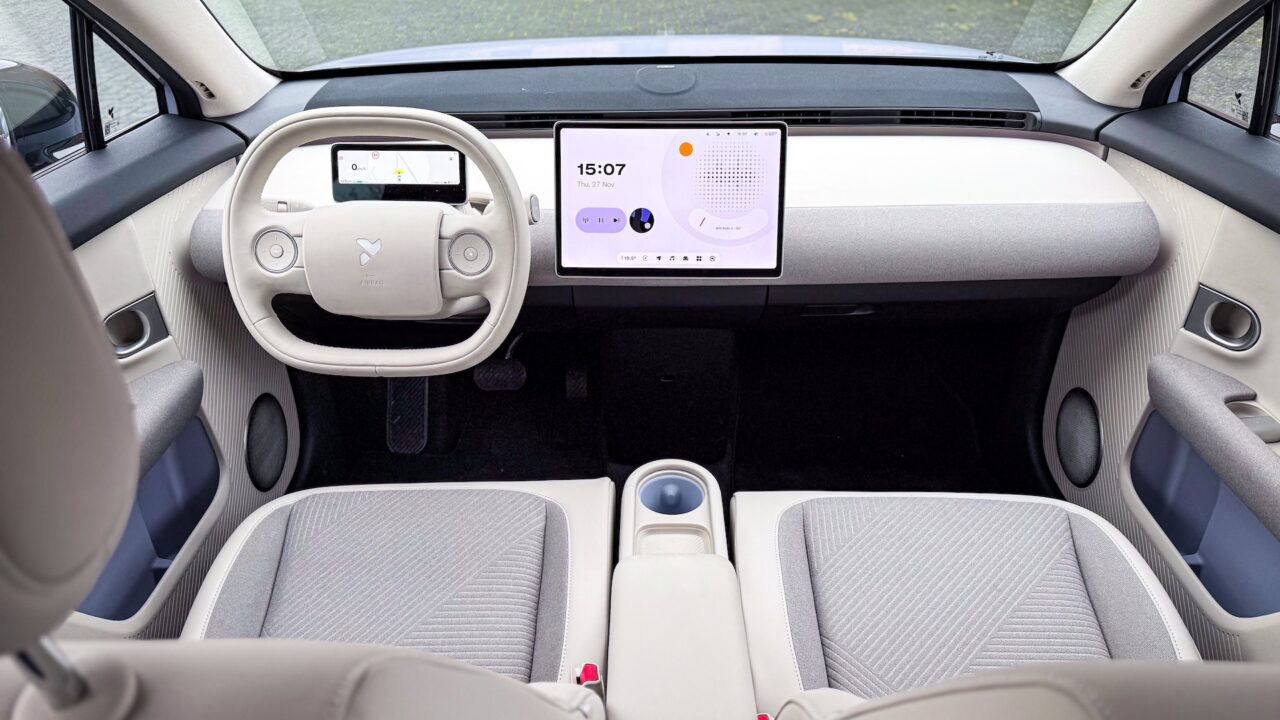
A new red flashing effect has been added to the edge of the instrument panel display for BSD and DOW activation scenarios. This provides visual warnings to the driver or passengers of approaching cars or pedestrians approaching from behind.
A new red flashing effect has been added to the edge of he iinstrument panel display for BSD and DOW activation scenarios. This provides visual warnings to the driver or passengers of approaching cars or pedestrians approaching from behind.
Muting feedback
The mute feature supports one-click muting for certain supported driving functions, including overspeed alert, distraction alert and fatigue alert. This provides users with a quick and easy way to turn off these sounds.
The experience regarding false CPD alerts has been optimized to reduce the number of false alerts and simplify the disabling of alerts. After an alert is triggered, users can disable it via the on-screen button.
The hands-on warning is optimized to reduce false alerts.